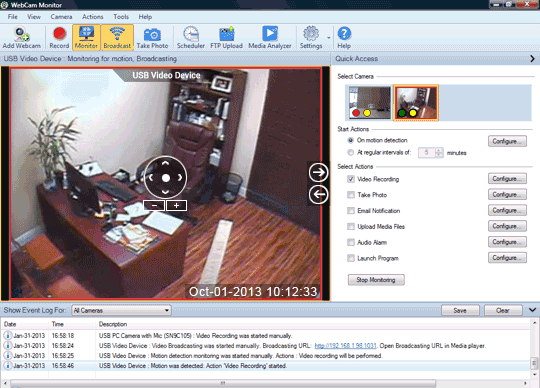
You can increase the playback speed in Security Monitor Pro.
Follow these steps:
- Click on the 'Media Analyzer' icon on the tool bar

- You will see all your video recordings in media analyzer. Now click on 'Playback Settings' icon on preview control.
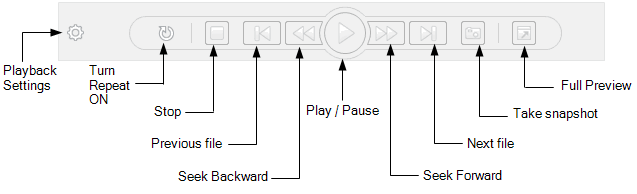
- Change the playback speed using the slider control.
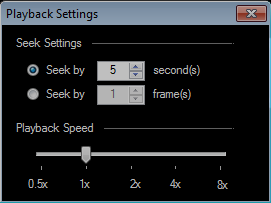
- Finally, click on the Play button and your file will be played at the speed you have set.
You can slow down or increase the playback speed as you wish.