Can I close Security Monitor Pro after adding a schedule?
-
I have added a schedule to monitor my camera. I have a question - is it necessary to keep Security Monitor Pro running after adding a schedule?
-
The scheduler in Security Monitor Pro can automate the monitoring, recording and broadcasting actions.
It is not necessary to keep Security Monitor Pro running after adding the schedule, but you will need to be logged in to your PC. Security Monitor Pro will be launched automatically at your specified time and the configured actions will be performed. The schedule will run successfully even if you close the application.
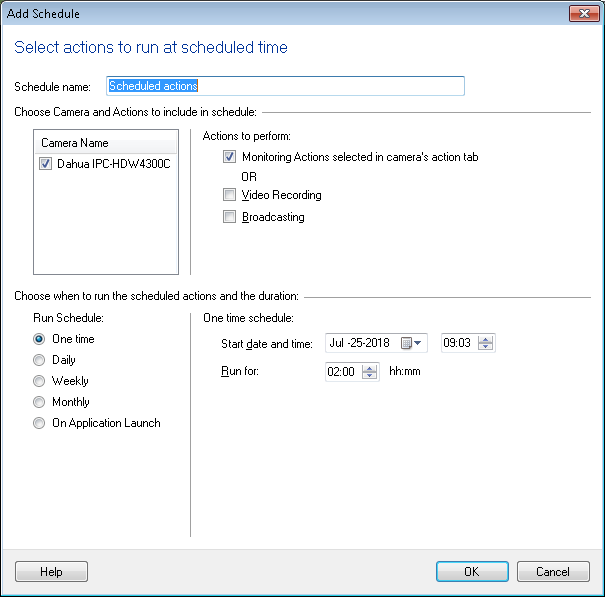
Note: The ‘On Application Launch’ schedule will run only when Security Monitor Pro launches.
Hello! It looks like you're interested in this conversation, but you're not signed in.
Sign in with your Deskshare account to ask a question, reply, and get an email when someone answers. You will come back to exactly where you left off.
With your input, this post could be even better 💗
Register Login