Pronouncing symbols in Text Speaker
-
While reading a weather report I have found that "35º Celsius" is spoken "35 Celsius" and not "35 degree Celsius". How can I make Text Speaker speak out the "º" symbol?
-
You can alter the way Text Speaker pronounces a word as you listen to the text.
To change the way '35º Celsius' is pronounced, select it and click Tools >> Pronunciation. You will see following dialog: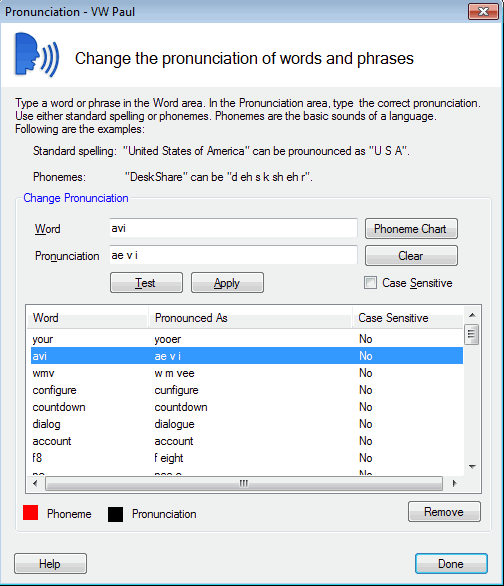
In the 'Word' field, the string '35º Celsius' will be added. In 'Pronunciation' field enter '35 degrees Celsius'. Click on Test button to check the pronunciation and the click on Apply button.
That's it. Now, Text Speaker will read it as '35 degrees Celsius'.
Hello! It looks like you're interested in this conversation, but you're not signed in.
Sign in with your Deskshare account to ask a question, reply, and get an email when someone answers. You will come back to exactly where you left off.
With your input, this post could be even better 💗
Register Login