Backing up photos without using FTP
-
I am using Security Monitor Pro to capture photos. I don't want to store them on the local machine. I want to have a backup of the photo files without using FTP. Is this possible?
-
Yes, you can store your image files on a network folder instead of the local drive.
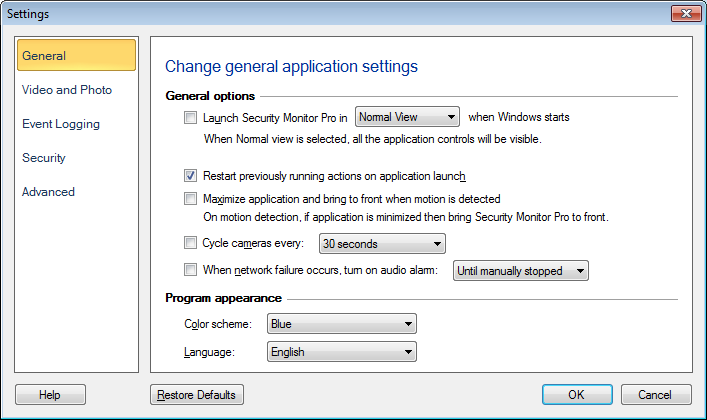
Start Security Monitor Pro and go in the General Settings. Under the 'Media file options', enter the network folder path in the path control and click OK. Your image files will be saved on the network folder. Here is a illustration:
Hello! It looks like you're interested in this conversation, but you're not signed in.
Sign in with your Deskshare account to ask a question, reply, and get an email when someone answers. You will come back to exactly where you left off.
With your input, this post could be even better 💗
Register Login