
Products
Support
Resources
Company


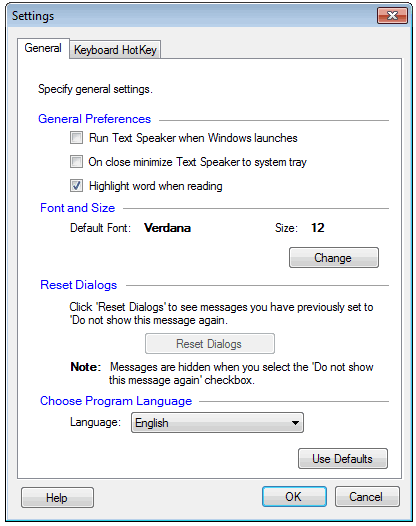 When you close the application window, it will be minimized to system tray and will be hidden from task bar. Now, you can use the keyboard short cuts to read your text.
 Sign In