Products
Support
Resources
Company


 Sign In
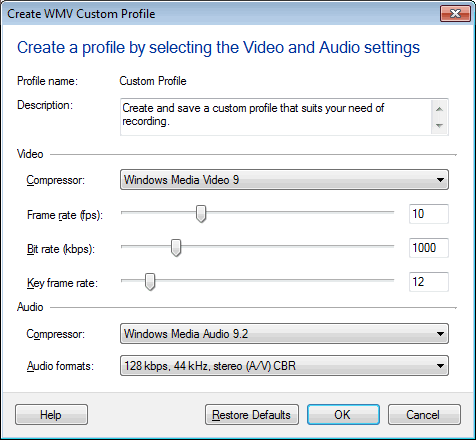
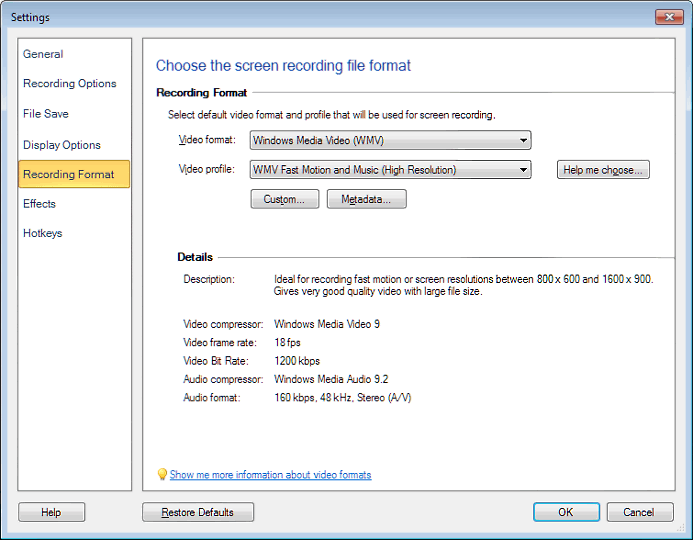 3. Adjust the frame rate to the value you would like, and click OK.
For most screen-capture applications, a frame rate between 5 and 10 fps is adequate. If you are recording fast motion or video playback, the quality can be improved by increasing the frame-rate value.
3. Adjust the frame rate to the value you would like, and click OK.
For most screen-capture applications, a frame rate between 5 and 10 fps is adequate. If you are recording fast motion or video playback, the quality can be improved by increasing the frame-rate value.